Djembe: collect, mark and practice rhythms
Drum circle, course notes, your own rhythms: NovaNota keeps notes and playbacks together – for Apple and Android.

Rhythms from the course, neatly in one app
Notes as a PDF or photo.
Djembe rhythms from West Africa are traditionally passed on orally. In courses, people therefore develop their own ways of writing: grids, syllables or letters for bass, tone and slap. Taking a photo of it is enough – you scan the page with the camera and it lands in your library.
With the pen you mark directly on the sheet who has which part. Different colors help distinguish the accompaniment from the solo rhythm. You import PDFs, MusicXML or MIDI and find every piece again in your library. You scan paper sheet music with the camera and have NovaNota Pro (Beta) turn it into notation – then NovaNota can play it back, too.
The pattern, until it runs by itself
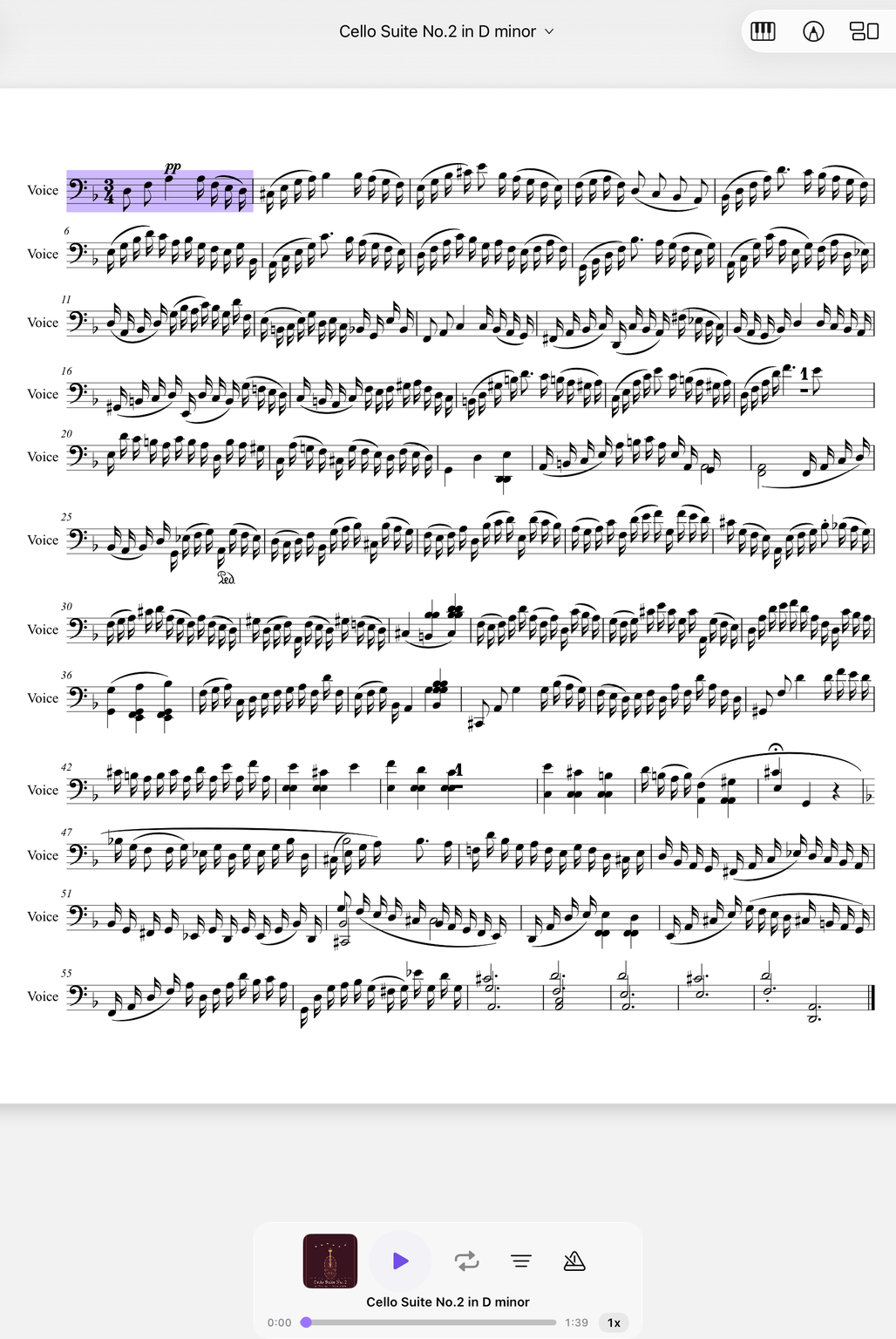
One line, again and again.
A djembe rhythm lives on repetition. With the A–B repeat you put a pattern on an endless loop and take it a bit slower until your hands switch confidently between bass, tone and slap. The range stays saved for each piece.
A shared tempo for the drum circle
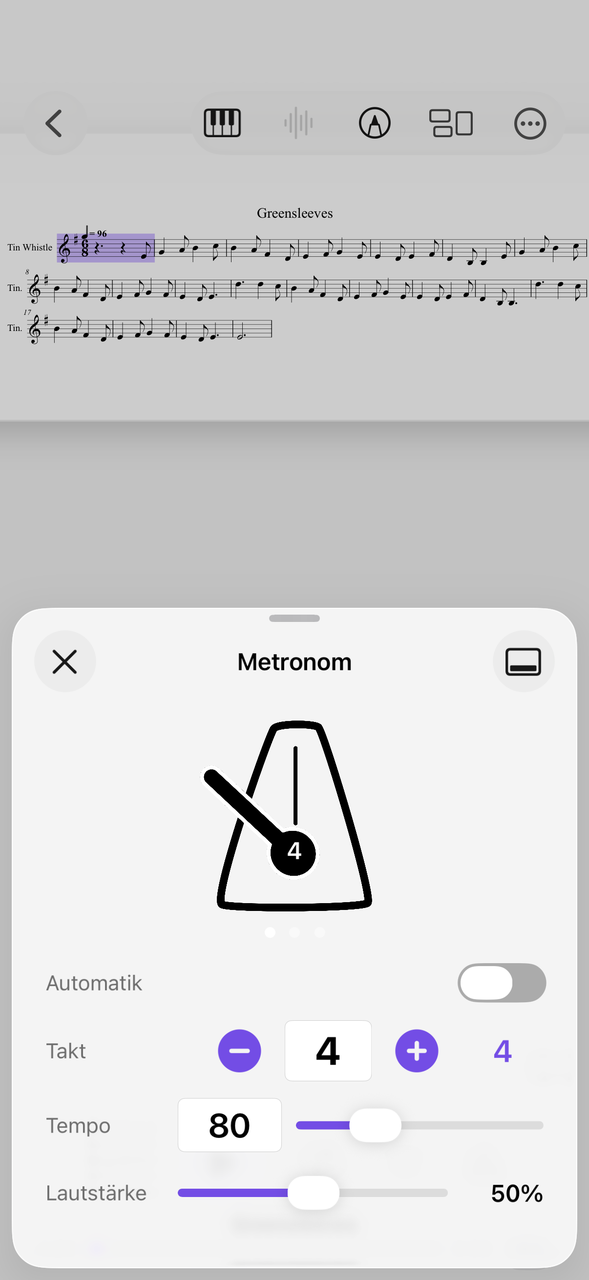
Time signature, tempo, volume for each piece.
In an ensemble with dunun and more djembes, every entrance counts. Set a tempo everyone can hold and let the metronome run quietly along – three views are available, and the settings belong to the respective piece.
How to learn a new rhythm
A way that works without reading music.
Write down or scan
Note the pattern in the course, photograph it and file it in a collection.
Organize with the pen
Mark bass, tone and slap in colors so you see at once while playing which hand strikes where.
Loop and tempo
Practice slowly in the loop first and raise the tempo as soon as every stroke sits.
Congas and cajón are related. More under percussion.
Everything for rehearsal and practice
NovaNota can do more – for your instrument as well as for the whole band, choir or orchestra.
Pen annotations
Fingerings, breath marks, chords: write straight onto the music with the pen – in PDF and MusicXML, with several colors and markers.
Turn pages with your foot
Bluetooth pedals are recognized right away, and a tap on the edge of the page turns it, too. Your hands stay on the instrument.
Metronome and A–B repeat
You set time signature and tempo right on the piece. You practice tricky bars as a loop – NovaNota remembers the range for every piece.
Record yourself
Record your practice right in the app and listen back to how your intonation and tone sound. The recording is automatically attached to the piece.
Rehearsals in the calendar
Orchestra rehearsals, concerts and lessons with meeting point, dress code and program. You can simply subscribe to the calendar of your orchestra, choir or band.
On all your devices
Your library stays up to date via iCloud (on Apple devices), NextCloud or Google Drive – on tablet, phone and Mac, Apple or Android.
Frequently asked questions
Is there a standard djembe notation?
There is no standard notation. Grid or circle diagrams and syllable notation are common. In NovaNota you import what you have: PDF, photo or notes.
Can I share notes with the group?
Yes, with BandConnect: music is shared in rehearsal via QR code, without sign-in, for 24 hours.
How do I keep several rhythms apart?
Create one collection per group and a setlist for the performance; with search you find any rhythm quickly.
Which devices does NovaNota run on?
On iPhone, iPad and Mac with Apple silicon, as well as on Android phones and tablets. There is a separate app for Apple Watch.
How much does the app cost?
Free for up to three pieces, with no time limit and no account. NovaNota Pro unlocks unlimited pieces and notation editing.
Try it with your own sheet music.
Free for up to three pieces, with no time limit and no account – for Apple and Android.