Sampler: live set with sheet music and reference
Chops, loops, one-shots – and a score to go with them. MIDI becomes sheet music, references are attached to the piece. For Apple and Android.

Knowing which sample comes when
MIDI files become sheet music.
Anyone who plays live with a sampler knows: the most important thing is the order. If you have the sequences or melodies as a MIDI file, NovaNota turns them into sheet music you can view and play back. You import PDFs, MusicXML or MIDI and find every piece again in your library. You scan paper sheet music with the camera and have NovaNota Pro (Beta) turn it into notation – then NovaNota can play it back, too.
With the pen you note which part comes in when, in several colors.
The original as the yardstick
Audio on the piece.
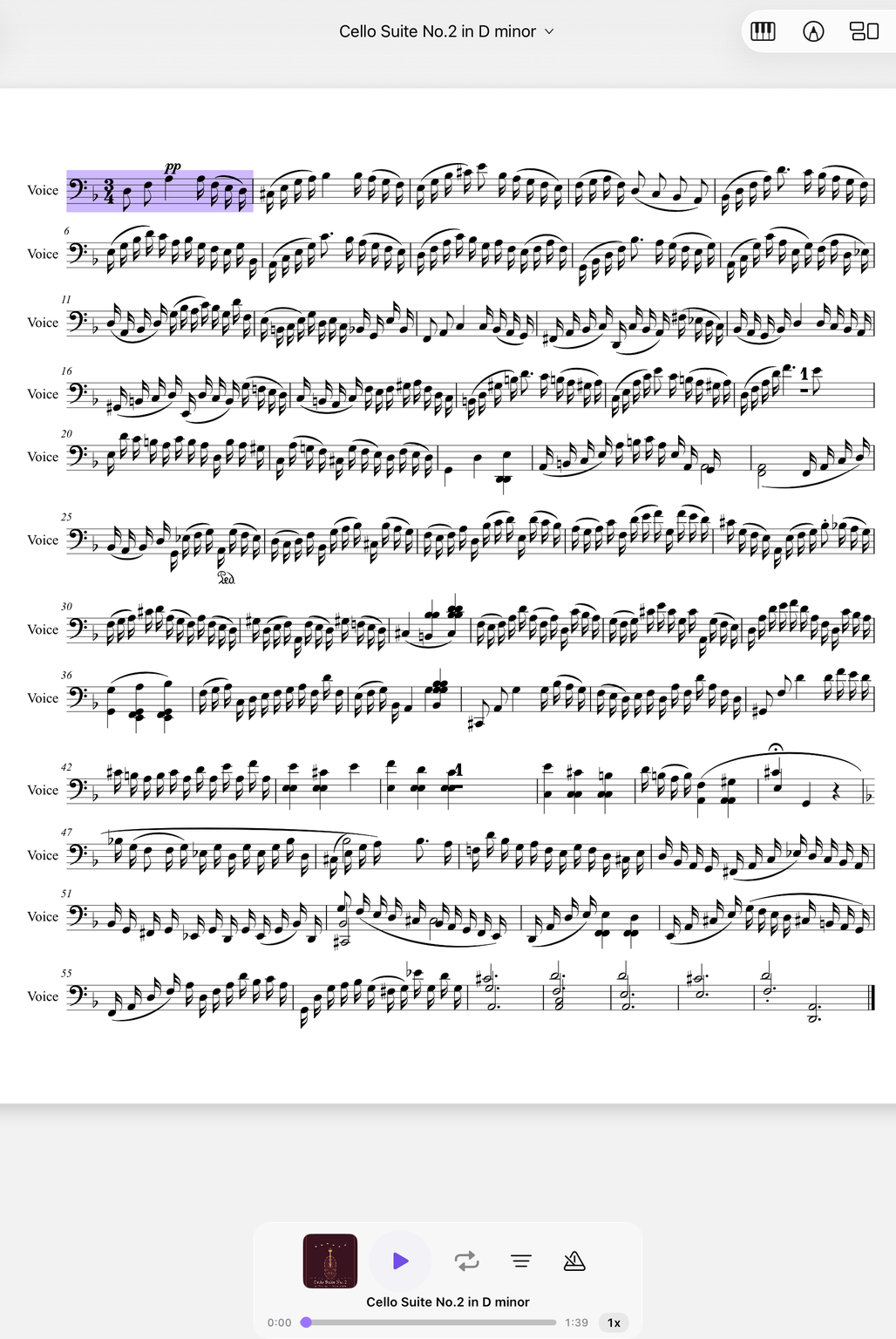
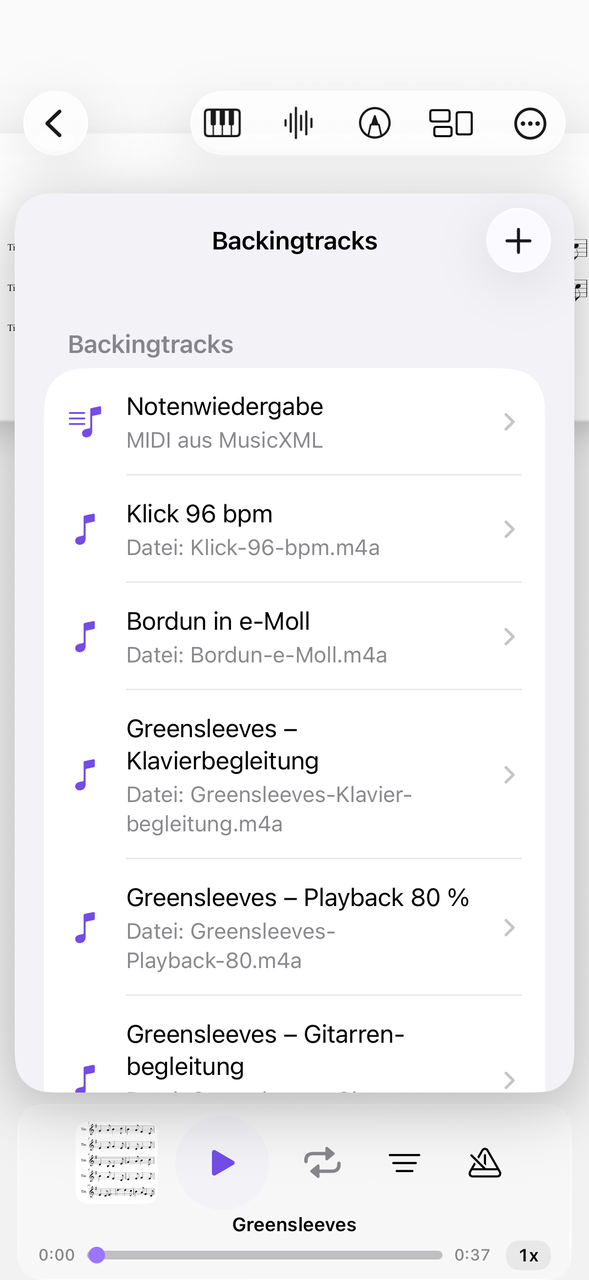
You attach the source material of your samples to the piece as an audio file, for example MP3. With tempo and loop you listen to a passage again and again before you take it into your set. You control playback from the lock screen or with the headphone buttons.
The order of the evening
Collections and setlists.
In a live set the running order counts. Sort the pieces of an evening in a setlist; pages can also be added and rearranged. A search helps when you have to find the piece shortly before the gig. With the page-turn pedal both hands stay on the pads.
How to prepare a live set
Three steps before the gig.
Note the running order
Import the sheet music or MIDI files and use the pen to mark when which sample is due.
Attach a reference
Attach the recordings as a backing track.
Build the setlist
Put the pieces in the right order.
Related devices are the Launchpad and the drum machine. More under electronic instruments.
Everything for rehearsal and practice
NovaNota can do more – for your instrument as well as for the whole band, choir or orchestra.
Pen annotations
Fingerings, breath marks, chords: write straight onto the music with the pen – in PDF and MusicXML, with several colors and markers.
Turn pages with your foot
Bluetooth pedals are recognized right away, and a tap on the edge of the page turns it, too. Your hands stay on the instrument.
Metronome and A–B repeat
You set time signature and tempo right on the piece. You practice tricky bars as a loop – NovaNota remembers the range for every piece.
Record yourself
Record your practice right in the app and listen back to how your intonation and tone sound. The recording is automatically attached to the piece.
Rehearsals in the calendar
Orchestra rehearsals, concerts and lessons with meeting point, dress code and program. You can simply subscribe to the calendar of your orchestra, choir or band.
On all your devices
Your library stays up to date via iCloud (on Apple devices), NextCloud or Google Drive – on tablet, phone and Mac, Apple or Android.
Frequently asked questions
Can NovaNota play samples?
No, NovaNota plays MIDI and audio files as a backing track, but no sample library. Your samples stay in the sampler.
Which files can I load?
PDF, MusicXML and MIDI – even whole folders at once. You can scan paper sheet music and have NovaNota Pro (Beta) convert it into notation.
Can I share the sheet music with the band?
Yes, via BandConnect: QR code at rehearsal, no sign-up, valid for 24 hours.
Which devices does NovaNota run on?
On iPhone, iPad and Mac with Apple silicon, as well as on Android phones and tablets. There is a separate app for Apple Watch.
How much does the app cost?
Free for up to three pieces, with no time limit and no account. NovaNota Pro unlocks unlimited pieces and notation editing.
Try it with your own sheet music.
Free for up to three pieces, with no time limit and no account – for Apple and Android.