Sheet music app for oboe: parts, annotating, practice
Orchestra parts, Bach cantatas and wind quintet on tablet, phone and Mac – for Apple and Android.

The A for the whole orchestra
Before the concert the oboe gives the tuning note.
In the orchestra everyone tunes to the oboe's A. That is why it is worth a look at the tuner beforehand: it shows to the cent how far you are from the target, and the reference pitch is adjustable, for example to 442 Hz.
Automatic mode recognizes every note you play – you do not have to preselect anything. Especially with the oboe, where the reed and room temperature change the pitch, a quick check helps.
Orchestra parts with annotations
Entrances, beat counts, the conductor's requests.
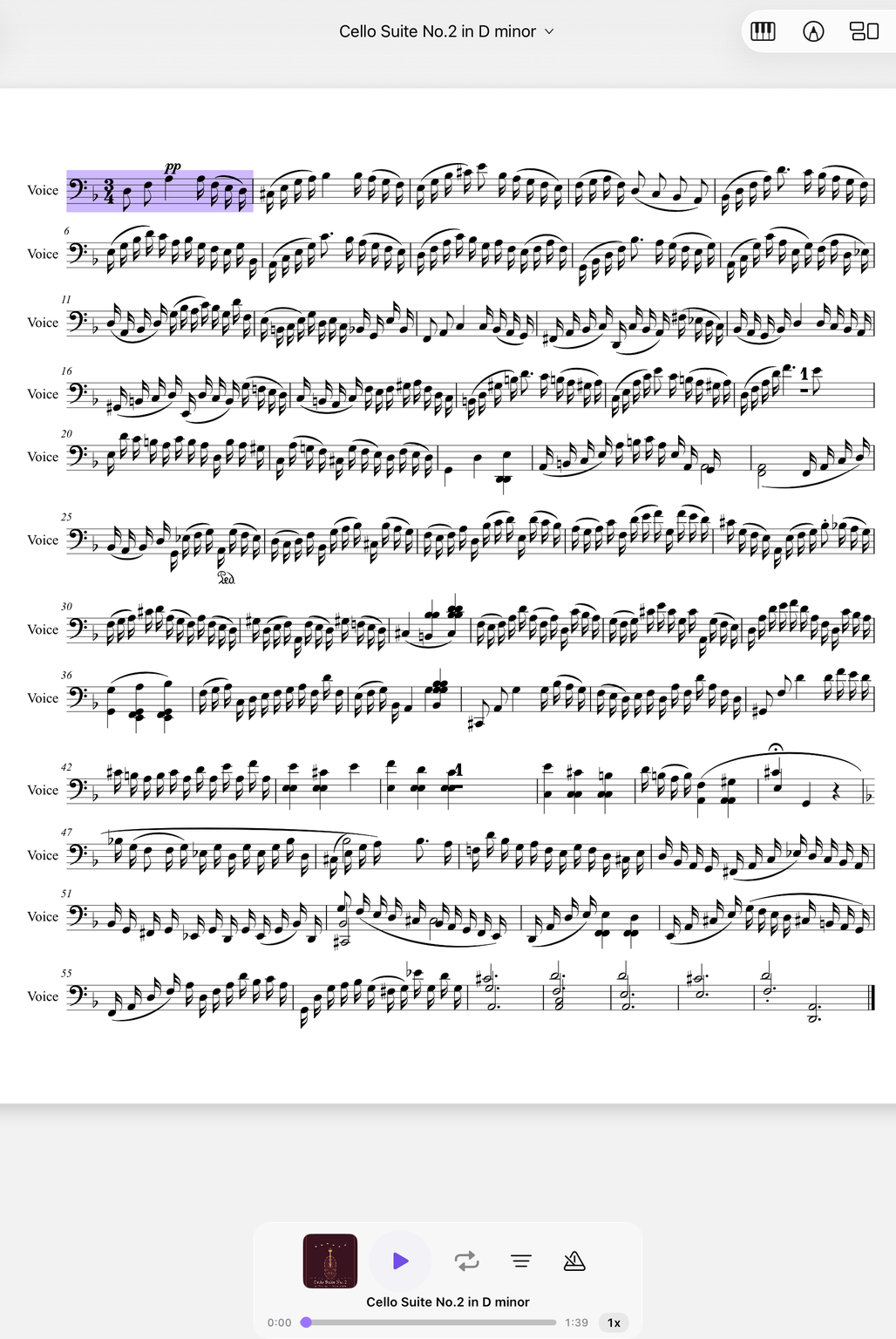
Oboe parts often have long rests with solo entrances. With the pen you mark entrances, write in beat counts and note what the conductor changes at rehearsal – in PDF and MusicXML, in several colors and with markers.
A collection keeps the parts of a concert program together; pages can be added and rearranged.
Practice briefly and regularly
The statistics sum up week, month and year.
Embouchure and reed tire quickly. Many oboists therefore prefer to practice briefly several times rather than once for a long time. The practice statistics sum up your practice by week, month and year and count the days in a row.
The “For You” suggestions remind you which piece is due again.
Concert week with the oboe
From the program to tuning.
Gather the program
Bundle all the parts of the concert in a collection, enter rehearsals in the calendar.
Mark entrances
Enter beat counts and entrances with the pen, highlight solos with markers.
Tuning
Set the reference pitch and check the A before the dress rehearsal.
The family also includes the English horn and the bassoon; you find all the instruments under woodwind instruments.
Everything for rehearsal and practice
NovaNota can do more – for your instrument as well as for the whole band, choir or orchestra.
Pen annotations
Fingerings, breath marks, chords: write straight onto the music with the pen – in PDF and MusicXML, with several colors and markers.
Turn pages with your foot
Bluetooth pedals are recognized right away, and a tap on the edge of the page turns it, too. Your hands stay on the instrument.
Metronome and A–B repeat
You set time signature and tempo right on the piece. You practice tricky bars as a loop – NovaNota remembers the range for every piece.
Record yourself
Record your practice right in the app and listen back to how your intonation and tone sound. The recording is automatically attached to the piece.
Rehearsals in the calendar
Orchestra rehearsals, concerts and lessons with meeting point, dress code and program. You can simply subscribe to the calendar of your orchestra, choir or band.
On all your devices
Your library stays up to date via iCloud (on Apple devices), NextCloud or Google Drive – on tablet, phone and Mac, Apple or Android.
Frequently asked questions
Which reference pitch can I set in the tuner?
You set the reference pitch yourself, for example to 442 Hz, as your orchestra specifies. The display is accurate to the cent.
Do I have to transpose oboe music?
Usually not: the oboe is a C instrument. It is different for the oboe d’amore in A (sounds a minor third lower) and the English horn in F. Transposing works with MusicXML and MIDI scores – for each track separately, right in the player.
Can I write in orchestra parts?
Yes. With the pen you draw on PDF and MusicXML scores, in several colors. With Apple Pencil, double-tapping switches between pen and eraser.
Which devices does NovaNota run on?
On iPhone, iPad and Mac with Apple silicon, as well as on Android phones and tablets. There is a separate app for Apple Watch.
How much does the app cost?
Free for up to three pieces, with no time limit and no account. NovaNota Pro unlocks unlimited pieces and notation editing.
Try it with your own sheet music.
Free for up to three pieces, with no time limit and no account – for Apple and Android.