Sheet music app for lute: reading tablature, tuning the lute
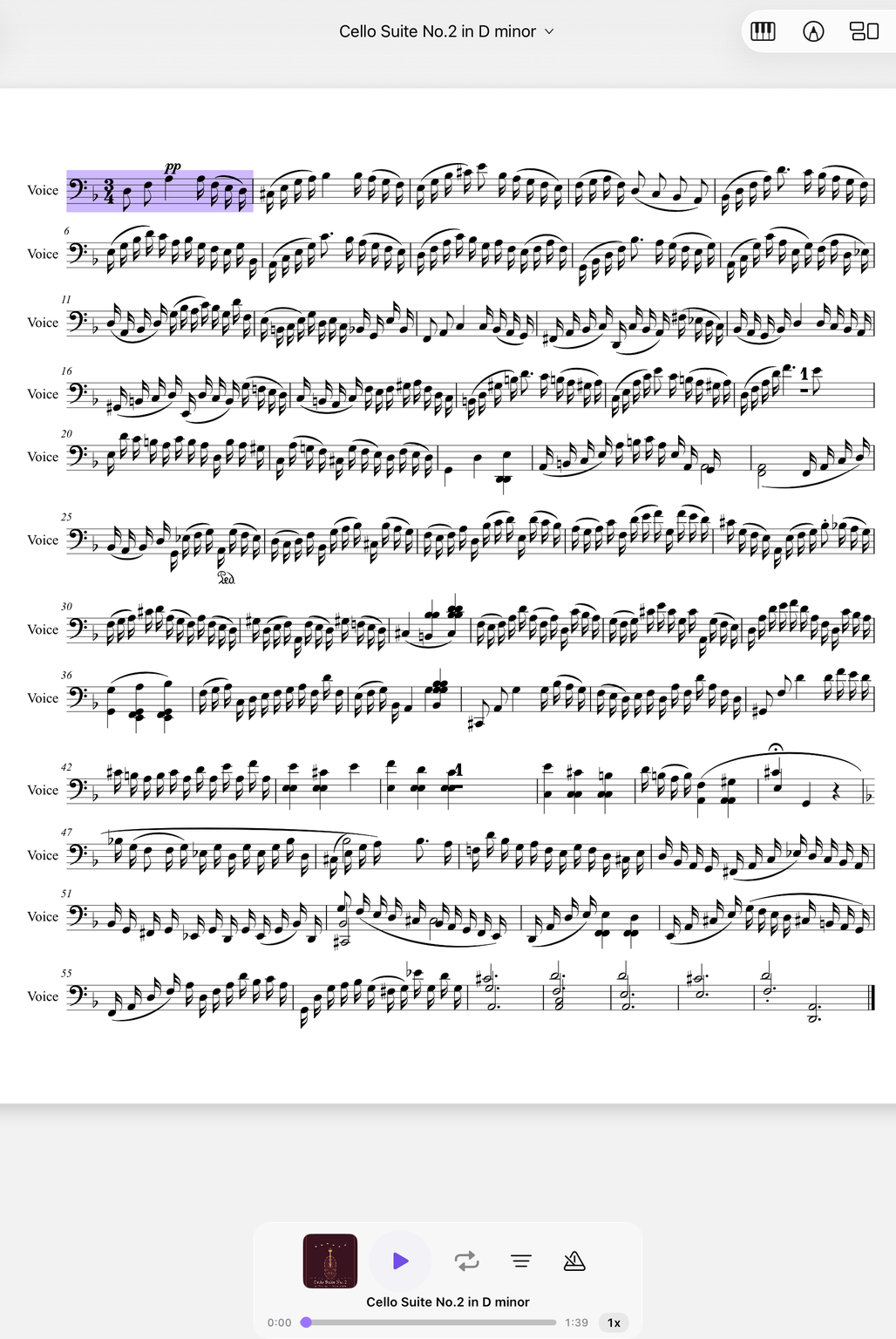
Renaissance and baroque lute, tablature and transcriptions: your pieces are on tablet, phone and Mac – for Apple and Android.

Old tablature and transcriptions at a glance
Lute music exists in letter and number tablature – and in modern transcriptions in the treble clef.
You import tablature and transcriptions as PDF, MusicXML or MIDI and find every piece again in your library. The TAB that NovaNota calculates itself exists only for guitar and bass guitar – your lute tablature stays exactly as it is in the file. You scan pages from a facsimile with the camera.
With the pen you add fingerings or rhythm signs. If a piece comes together from several sources, you simply rearrange the pages.
Course by course, at your reference pitch
The six-course Renaissance lute is tuned G–c–f–a–d′–g′, the baroque lute usually to a D minor chord.
Old instruments are often not at A = 440 Hz. In the tuner you set the reference pitch yourself, for baroque music for example 415 Hz. Automatic mode recognizes every note you play and shows the sounding pitch to the cent.
This also applies to the long bass courses of the baroque lute: every note you play is recognized.
Playing with voice, gamba or harpsichord
Lute music often accompanies: songs, ayres, continuo.
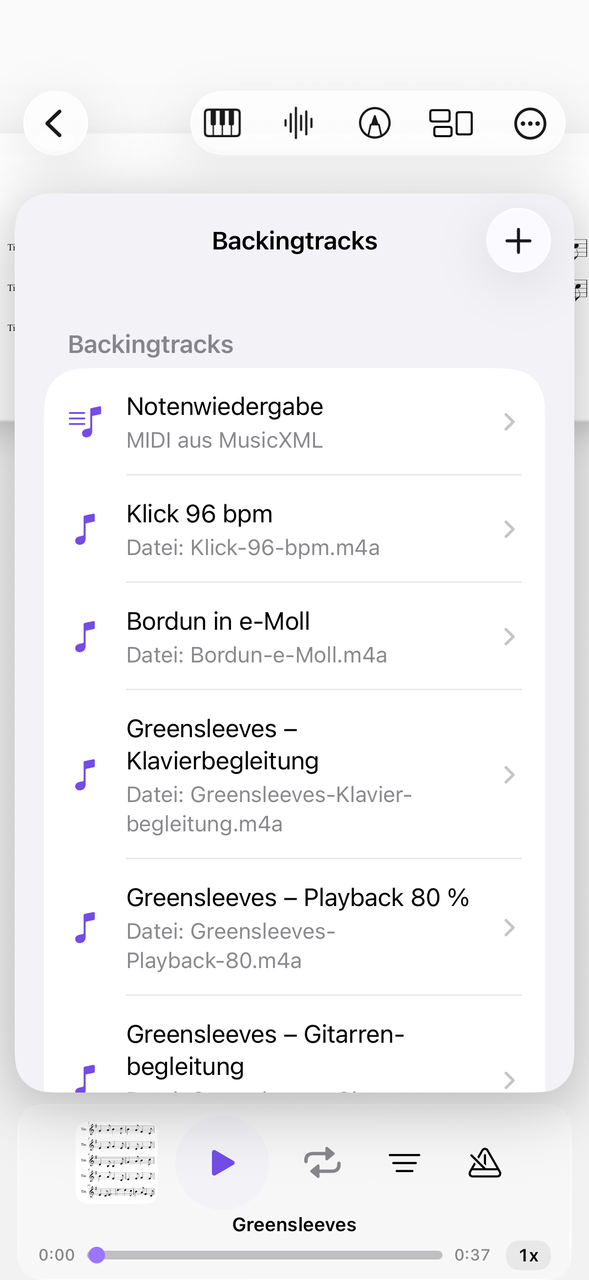
Attach a recording of the singer or the harpsichord as an audio file directly to the piece and play along with tempo and loop. You can also control playback from the lock screen.
Your own recordings are made right in the app and automatically belong to the piece – handy for checking the ensemble playing.
How to work up a piece from tablature
From the source to playing together.
Import the source
Load tablature as a PDF or photo scan, rearrange pages if needed.
Mark passages
Enter grips, ornaments and fingerings in several colors with the pen.
Play together
Attach the accompaniment as a backing track, adjust the tempo, put difficult passages on a loop.
More on plucked string instruments and on the guitar; for the related gamba, see the viola da gamba.
Everything for rehearsal and practice
NovaNota can do more – for your instrument as well as for the whole band, choir or orchestra.
Pen annotations
Fingerings, breath marks, chords: write straight onto the music with the pen – in PDF and MusicXML, with several colors and markers.
Turn pages with your foot
Bluetooth pedals are recognized right away, and a tap on the edge of the page turns it, too. Your hands stay on the instrument.
Metronome and A–B repeat
You set time signature and tempo right on the piece. You practice tricky bars as a loop – NovaNota remembers the range for every piece.
Record yourself
Record your practice right in the app and listen back to how your intonation and tone sound. The recording is automatically attached to the piece.
Rehearsals in the calendar
Orchestra rehearsals, concerts and lessons with meeting point, dress code and program. You can simply subscribe to the calendar of your orchestra, choir or band.
On all your devices
Your library stays up to date via iCloud (on Apple devices), NextCloud or Google Drive – on tablet, phone and Mac, Apple or Android.
Frequently asked questions
Does NovaNota display lute tablature?
Yes, as a PDF or photo scan, exactly as it is in the file. Calculated TAB exists only for guitar and bass guitar.
Can I tune to 415 Hz?
The reference pitch in the tuner is adjustable, so 415 Hz for baroque music is no problem. For the violin, baroque A = 415 Hz is even available as a fixed setting.
Can I scan paper sheet music for the lute?
You import PDFs, MusicXML or MIDI and find every piece again in your library. You scan paper sheet music with the camera and have NovaNota Pro (Beta) turn it into notation – then NovaNota can play it back, too.
Which devices does NovaNota run on?
On iPhone, iPad and Mac with Apple silicon, as well as on Android phones and tablets. There is a separate app for Apple Watch.
How much does the app cost?
Free for up to three pieces, with no time limit and no account. NovaNota Pro unlocks unlimited pieces and notation editing.
Try it with your own sheet music.
Free for up to three pieces, with no time limit and no account – for Apple and Android.